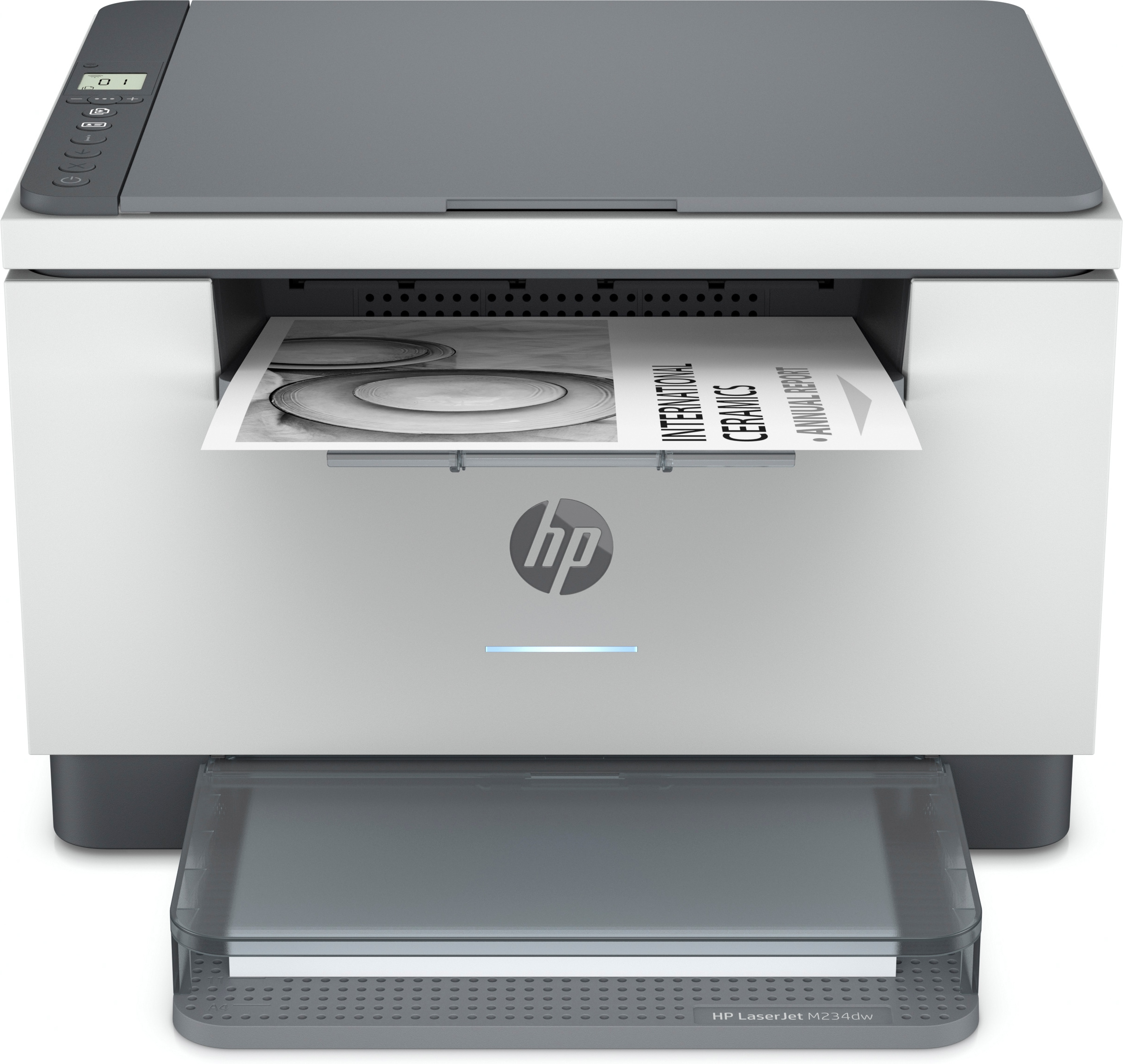
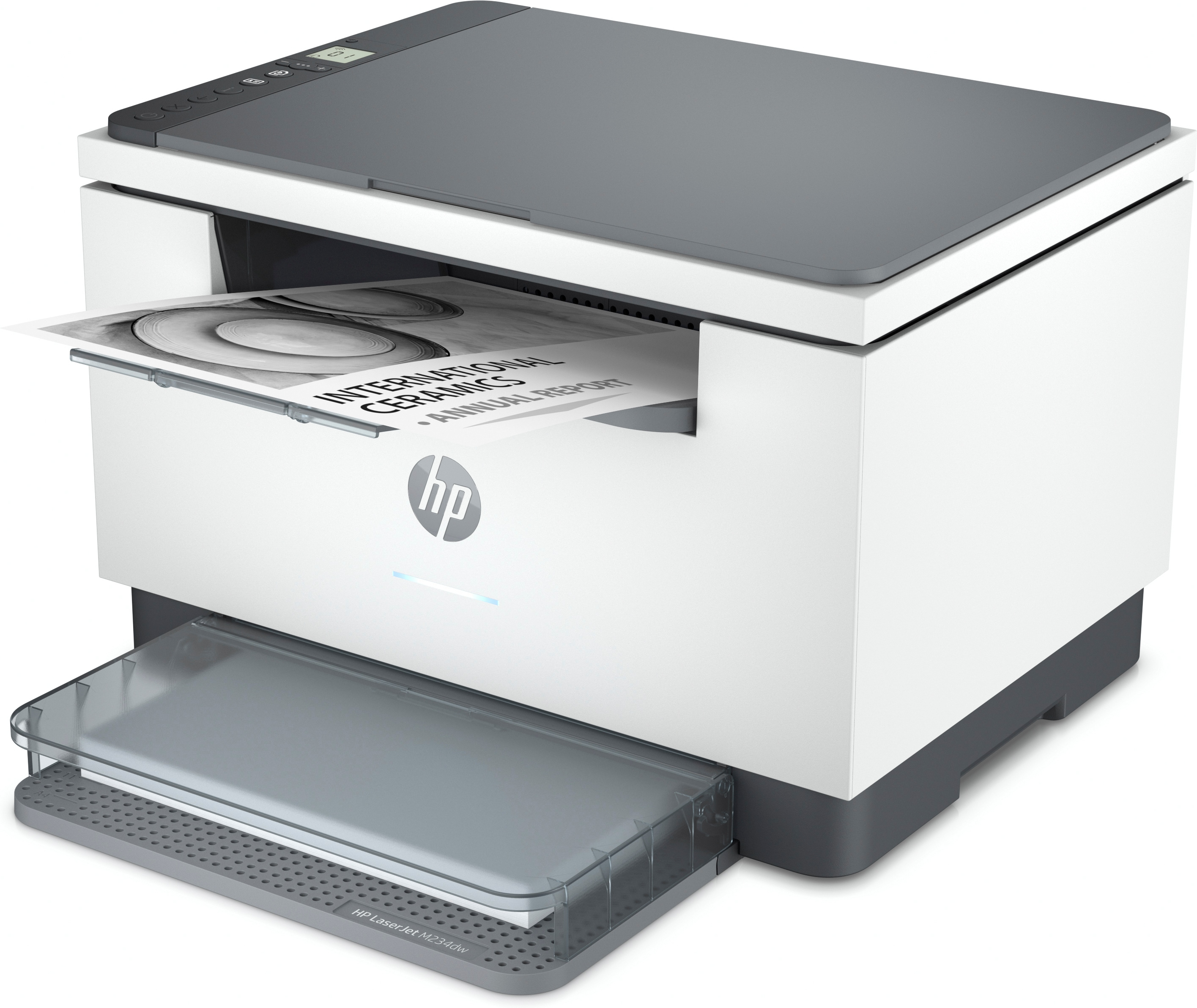
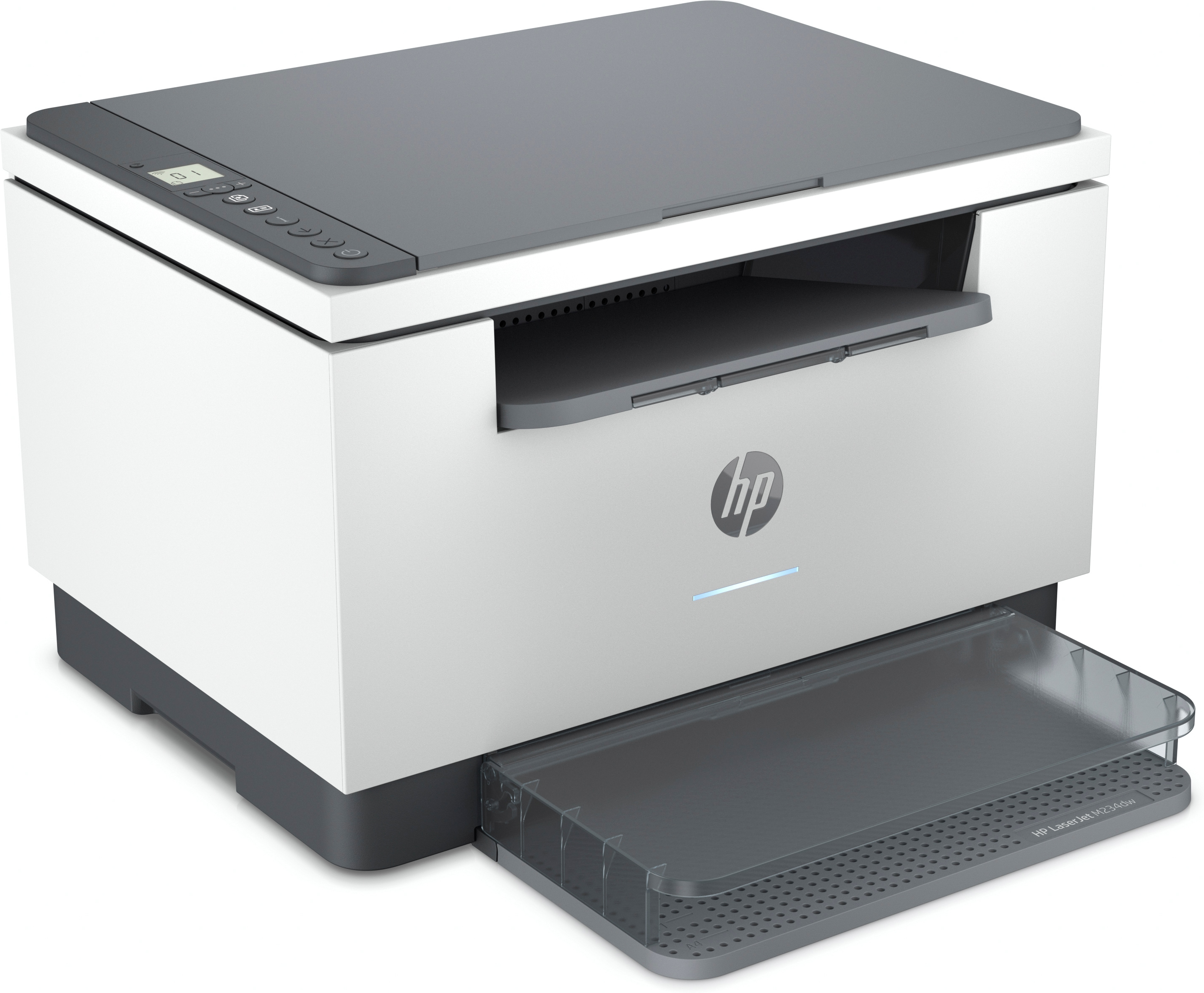
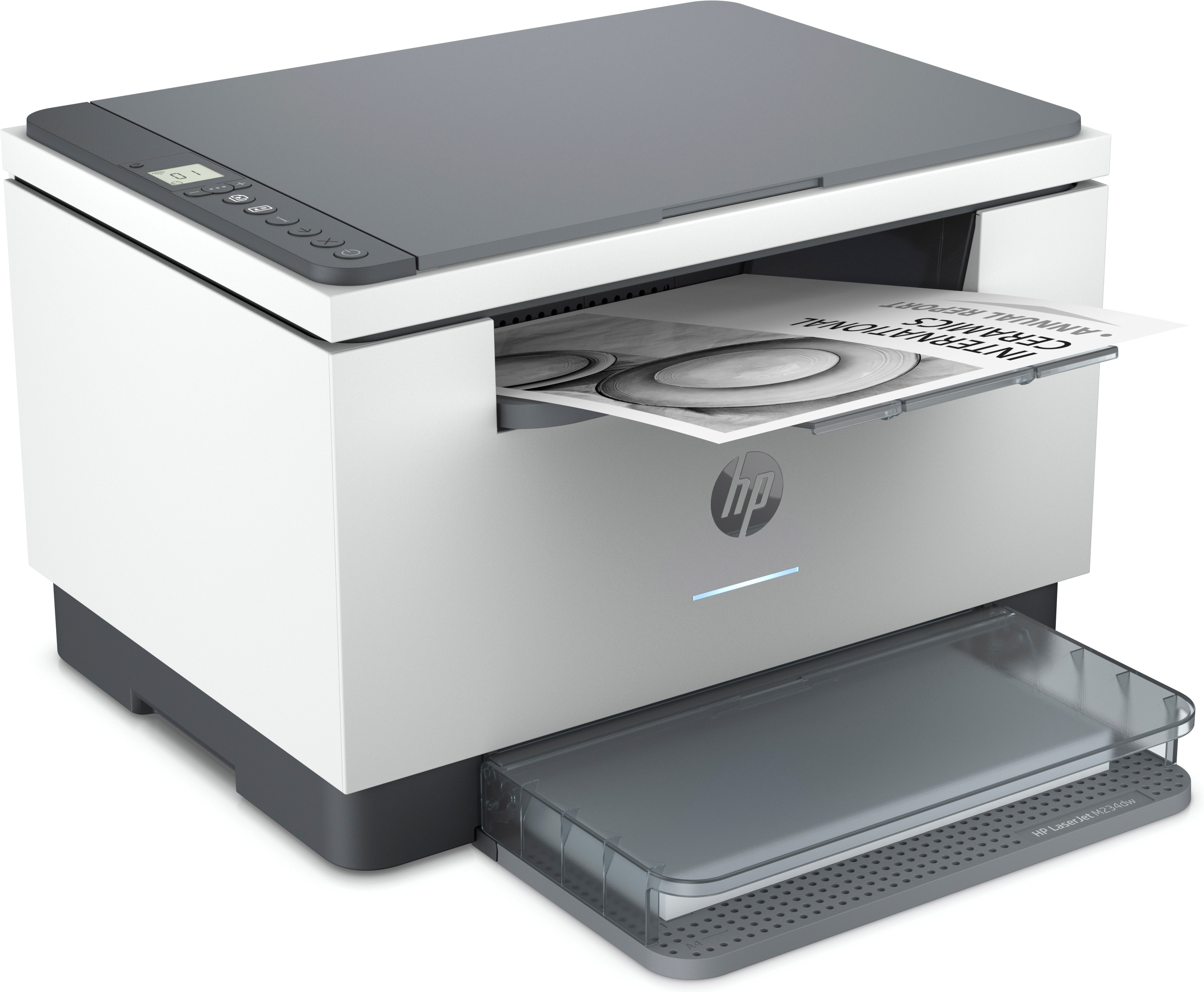
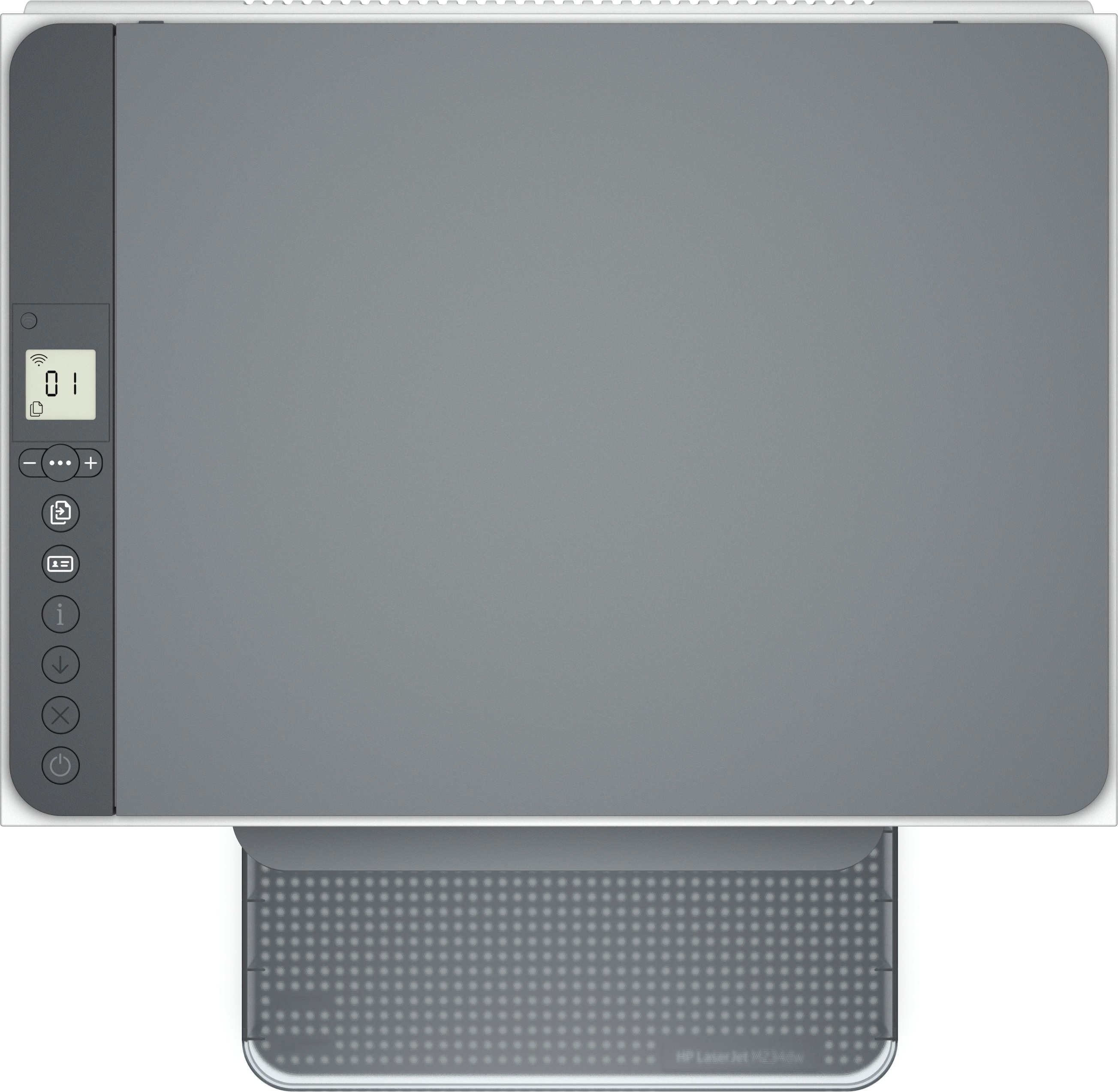
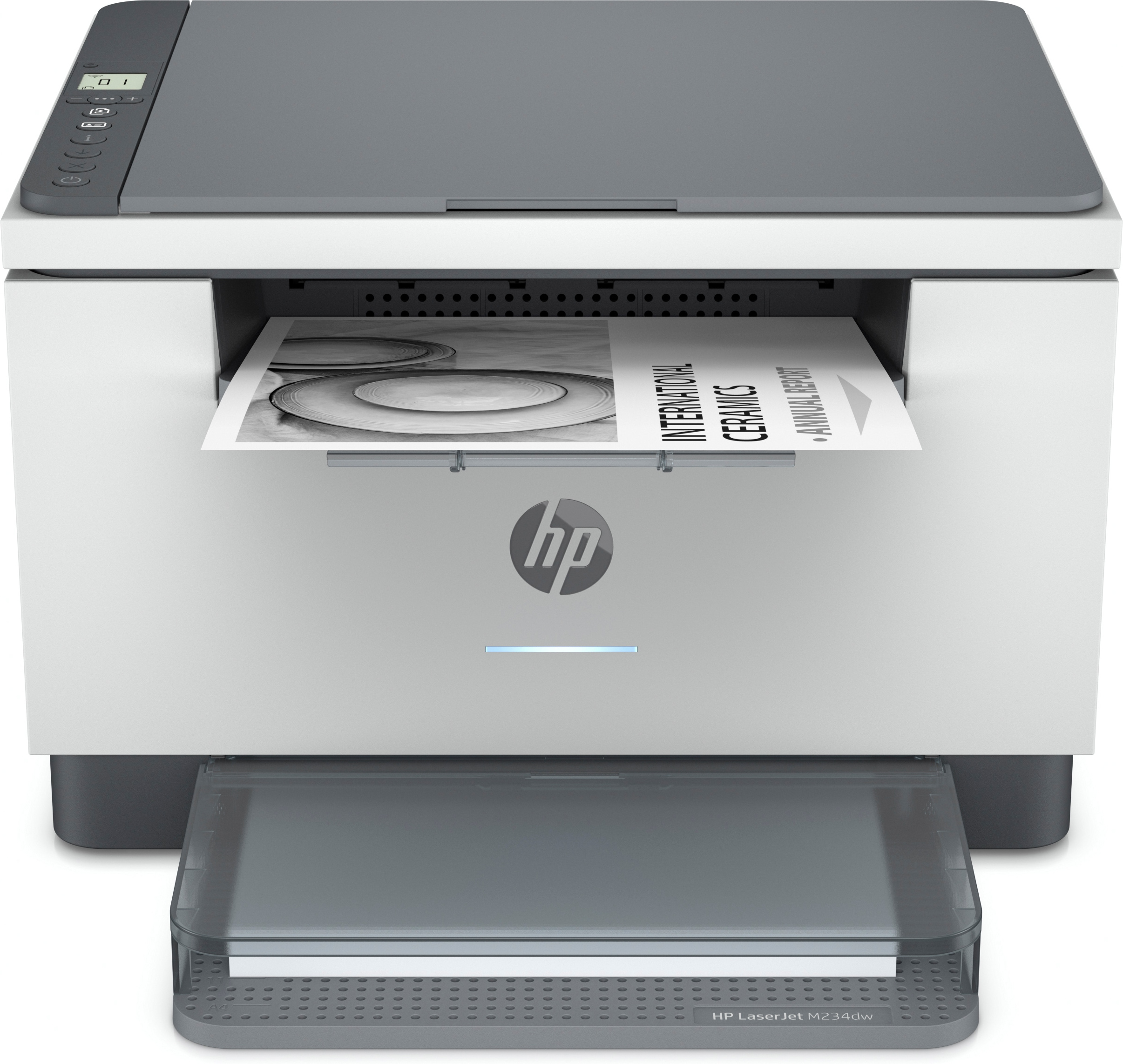
HP LaserJet M234dw.
- Print technology: Laser
- Printing: Mono printing
- Maximum resolution: 600 x 600 DPI. Copying: Mono copying
- Maximum copy resolution: 600 x 600 DPI. Scanning: Color scanning
- Optical scanning resolution: 600 x 1200 DPI. Duplex functions: Print. Maximum ISO A-series paper size: A4. Wi-Fi. Direct printing. Product color: Gray
- HP LaserJet M234dw
- Laser
- Mono printing
- 600 x 600 DPI
- A4
- Direct printing
- Gray
A high-productivity MFP with the fastest two-sided printing in its class
[2] and the time-saving HP Smart app.
[6,7] Count on peace of mind from more reliable connections,
[1] and a worry-free experience with simplified setup.
Work fast. Work smart.
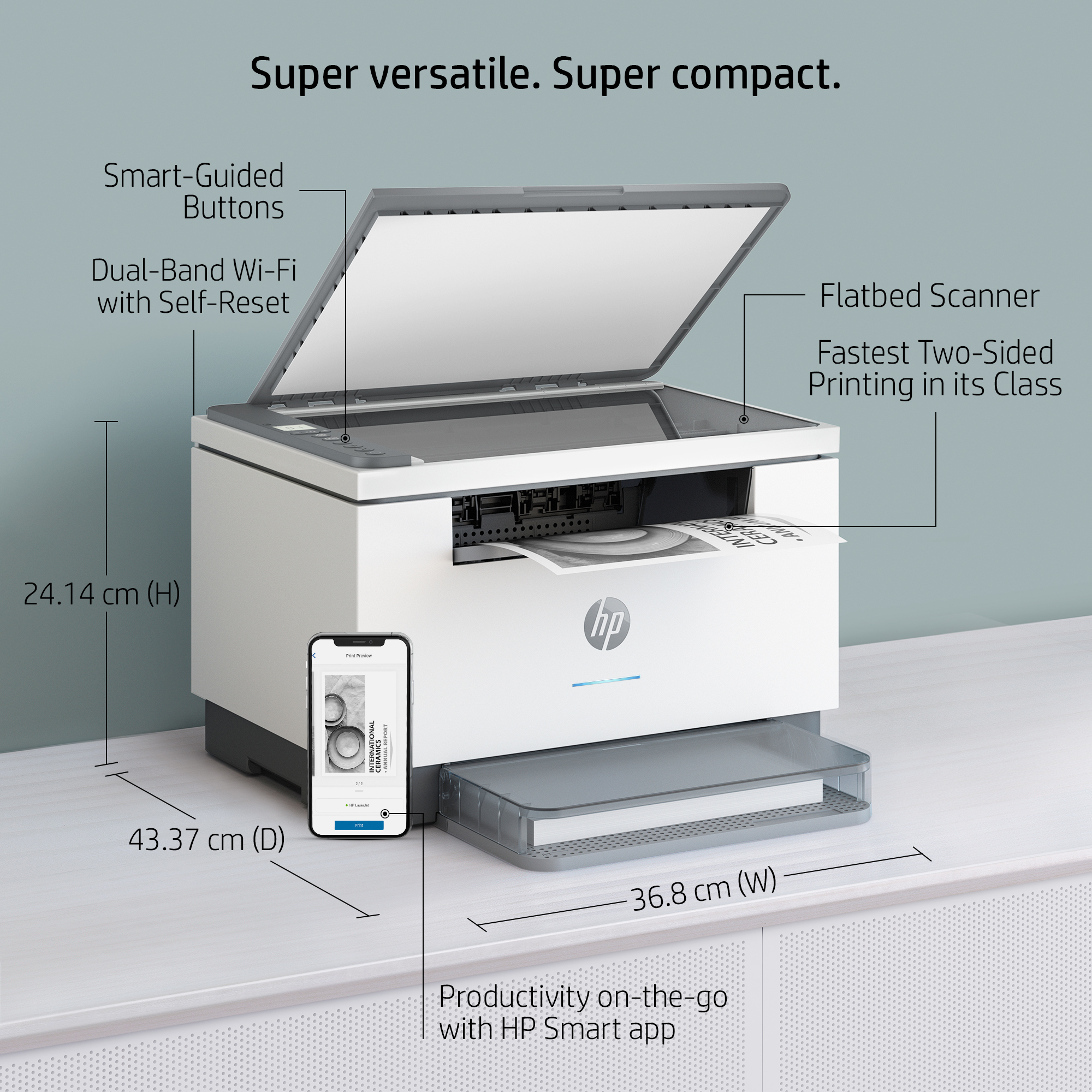
Speed through multipage documents with the fastest in-class two-sided printing speed.[2]You can fit this LaserJet almost anywhere its that small and compact. Get projects done quickly with a printer that fits almost anywhere.Get better range and faster, more reliable connections using dual-band Wi-Fi with self-reset.[1]Easily share resources access and print with wireless and Ethernet networking.[4]Connect your smartphone or tablet directly to your printer and easily print without accessing a network.[5]
Stay productive from anywhere
Get high-quality scanning, and share to Dropbox, Google Drive, email, or the cloud from virtually anywhere with HP Smart app.[6]Quickly access and print documents and images on your smartphone, from Dropbox and Google Drive, using HP Smart app.[6]With HP Smart app, you can stay connected to your printer from virtually anywhere.[6]Get notifications when printing, scanning, or copying from your smartphone.[6]
Never run out of toner with HP Instant Ink [10]
Instant Ink is HP`s smart toner subscription service. Your printer knows when it`s running low, and HP automatically sends replacement toner before you run out. [11]Enroll in Instant Ink to get toner plus hassle-free delivery and recycling, all starting at $1.99 a month.
Seamless setup
Get started fast with simple setup that guides you through each step, with HP Smart app.[6] [6]
Amazing scanning, now on your smartphone
Get high-quality scanning, and share to Dropbox, Google Drive, email, or the cloud from virtually anywhere.[6] [6]
Printing just got more productive
Quickly access and print documents and images on your smartphone, from Dropbox and Google Drive.[6] [6]
Smart-guided buttons and lighting
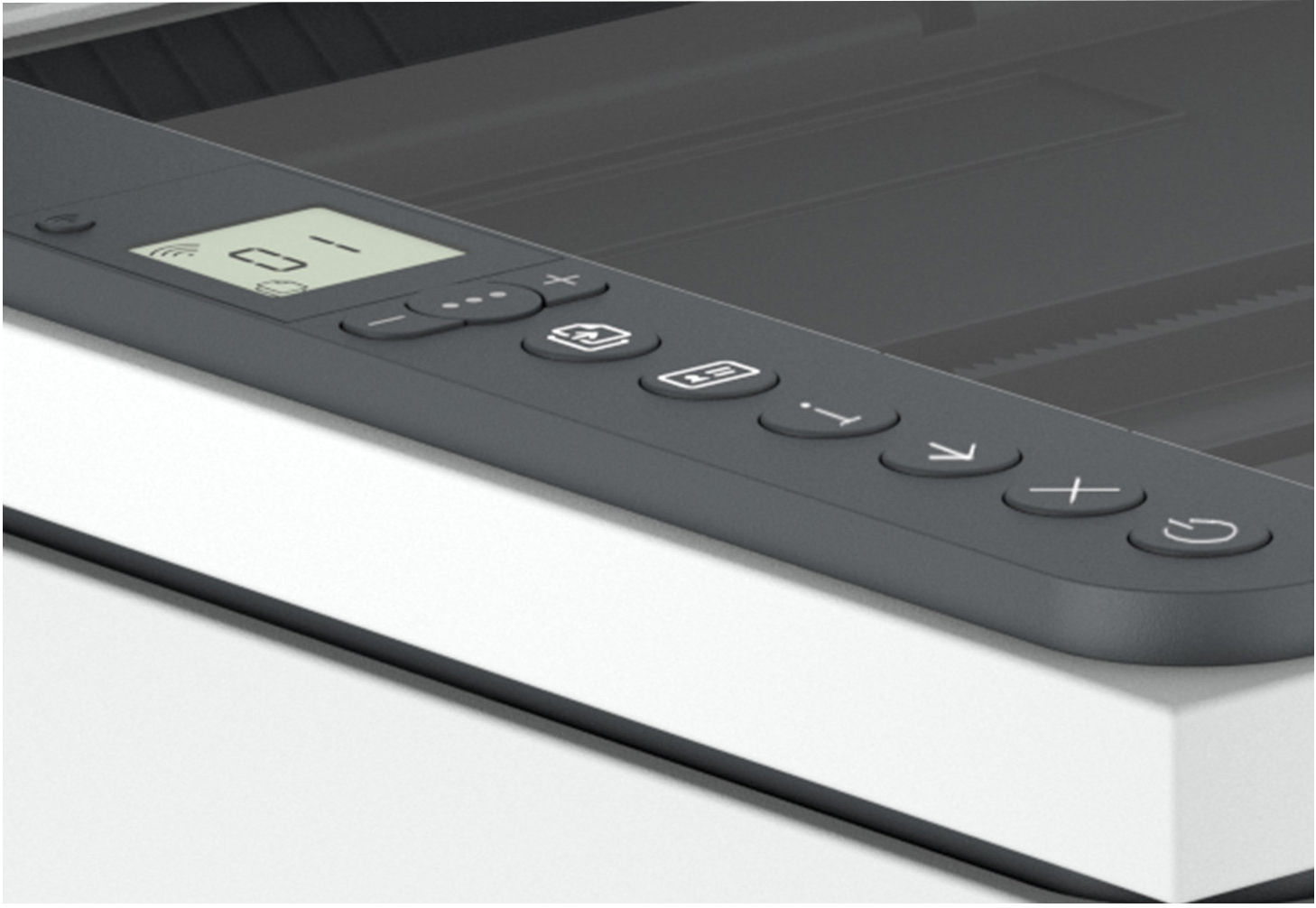
Easily manage tasks with smart-guided buttons and lighting for an intuitive experience buttons appear only when needed.
Ready to help protect business
Get security essentials to help maintain privacy and control, including basic encryption and password protection.
On when you need it, off when you dont
Help save energy with HP Auto-On/Auto-Off Technology intelligence that can turn your printer on when you need it and off when you dont.[8]
Printing just got more productive
[6]
Bluetooth is a proprietary open wireless technology standard for exchanging data over short distances (using short-wavelength radio transmissions in the ISM band from 24002480 MHz) from fixed and mobile devices, creating personal area networks (PANs) with high levels of security.
With HPs innovative Auto-Off technology, you can configure your device to automatically turn off either when it senses there is no activity after a set interval, or at a predetermined time each day. If your device also includes HP Auto-On technology, you can decide whether it will awaken at a set time each day (and you can exclude days, such as Saturday and Sunday) or if it will awaken when it senses activity. In addition, you can decide which types of interactions will awaken your device, such as a print request, control panel activity, or an incoming fax. The fewer activities you select, the more resources youll save.
Wireless operations are compatible with 2.4 GHz and 5.0 GHz operations only. Learn more at hp.com/go/mobileprinting. Wi-Fi is a registered trademark of Wi-Fi Alliance®. Supports both 5.0 GHz and 2.4 GHz using up to 12 non-overlapping channels vs only 3 non-overlapping channels for 2.4 GHz only. Supports 5.0 GHz band (up to 150 mbps) vs 2.4 GHz band (up to 72.2 mbps). Internet access required and must be purchased separately.
[2] Compared to in-class monochrome laser printers and MFPs less than $210 USD or 220 for single function or less than $310 USD or 320 for multifunction, all with a published maximum monthly duty cycle of 20,000 or lower. Buyers Lab September 2020 study commissioned by HP, based on a research survey OEM published specifications publicly available information as of 09/01/2020. Market share as reported by IDC Quarterly Hardcopy Peripherals Tracker - Final Historical 2020Q2 for North America and EMEA. For details: www.keypointintelligence.com/HPFastestDuplex.
[4] Wireless operations are compatible with 2.4 GHz and 5.0 GHz operations only. Learn more at hp.com/go/mobileprinting.
[5] Mobile device needs to be connected to Wi-Fi Direct® signal of a Wi-Fi Direct-supported AiO or printer prior to printing. Details at hp.com/go/mobileprinting. Wi-Fi Direct® is a registered trademark of Wi-Fi Alliance®.
[6]Requires the HP Smart app download. For details on local printing requirements see www.hp.com/go/mobileprinting. Certain features/software are available in English languageonly,anddiffer between desktop and mobile applications. Instant Ink subscription may be required. Instant Ink not available in all countries.See details at www.hptonerservice.com. Internetaccess required and must be purchased separately. HP account required for full functionality. List of supported operating systems available in app stores. Fax capabilities are for sending afaxonly, andmay require additional purchase. For more information, see www.hpsmart.com/mobile-fax.
[7] Based on internal HP testing. Average timing estimate based on: 1) downloaded HP Smart app on mobile device, 2) setting up Shortcut, 3) scanning jobs which have more than 2-3 tasks associated with them (scan to email, save and rename, store to cloud, etc.). Average timing savings comparison based on using printer and desktop scan software to complete similar scanning tasks. Requires the HP Smart app download and supported HP printer. For details on local printing requirements see hp.com/go/mobileprinting. Certain features/software are available in English language only.
[8] HP Auto-On/Auto-Off Technology capabilities subject to printer and settings; may require a firmware upgrade.
[11] Toner is delivered automatically: Printers require direct connection to the Internet for program participation. Internet access sold separately.